
IT infrastructure is like the foundation of a building. When it is right, nobody thinks about it. When it is not, you see it everywhere: a slow network, files nobody can find, applications that freeze, and a quiet worry about what happens if the server dies.
You do not need to replace everything at once. You need to know what you have, what is missing and in what order to fix it.
The building blocks
Network
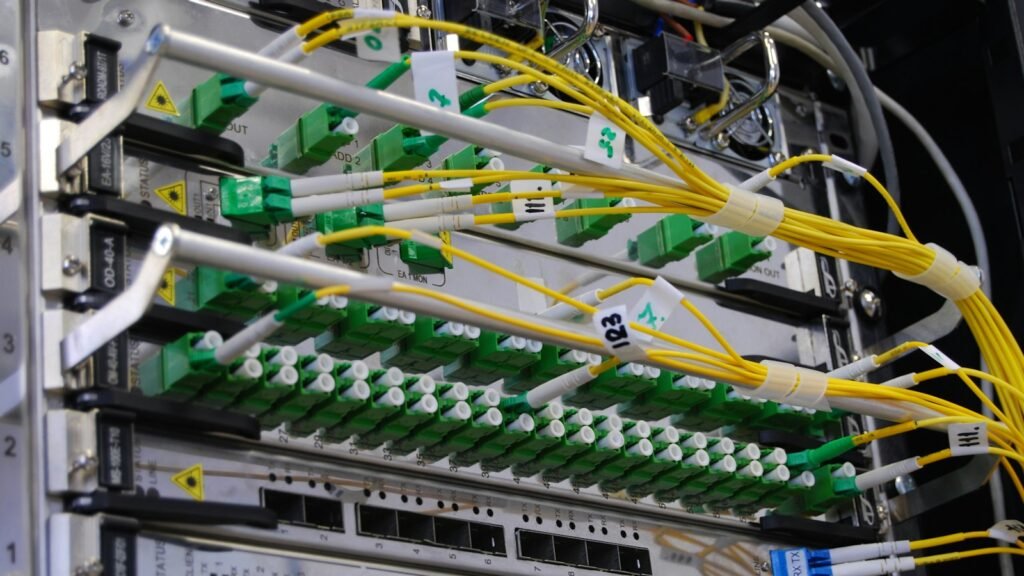
Cabling, switches, Wi-Fi and the internet connection. A well-designed network keeps guests away from company systems, covers every room properly and connects branches securely.
Servers and cloud
Some applications run better on your own server, others in the cloud. Email, shared files and team collaboration usually sit well in Microsoft 365 or Google Workspace. An ERP with heavy data may need a local or virtual server. The right answer is usually a mix.
Backups
Our rule is simple: at least three copies, on two different types of media, with one off-site. And regular test restores, because an untested backup is just a hope.
Security
Firewall, patching, endpoint protection, two-step sign-in and clear access rights. Most incidents we see start with an email and a weak password, not with a sophisticated attack.
User equipment
Computers, laptops, phones, printers. With a standard way of setting up and managing devices, a new colleague can start working on day one.
Where to start
- Audit. What equipment you have, how old it is, which applications run where, who has access. This step alone often reveals the biggest risks.
- Backups and security. Before any upgrade, make sure your data is protected.
- Network. If the network is slow or unstable, every other investment is wasted.
- Servers and cloud. Decide what stays local and what moves, based on cost, speed and security.
- Documentation and maintenance. Everything is recorded and monitored so the infrastructure stays healthy after the upgrade.
Common mistakes
- Buying expensive equipment without a plan when the problem was configuration.
- One shared admin password known to people who left the company long ago.
- Backups stored in the same room as the server, lost with it in a fire or theft.
- Moving to the cloud without working out the monthly cost over the years.
Infrastructure that grows with you
Good infrastructure is designed so you can add users, a new location or a new application without starting over. That is what we do at D.igital t.hinkings for businesses in Thessaloniki, Kavala and across Greece: design, installation and support for networks and systems, with the same team from start to finish. Not sure what state your setup is in? Tell us and we will start with an audit.
Frequently asked questions
Does a small business need its own server?
Not always. Many small businesses are fully covered by cloud services. A server is usually needed for a local ERP or a large volume of files.
How often should equipment be replaced?
There is no fixed rule. We track condition, performance and vendor support, and replace when maintenance cost or risk exceeds the cost of replacement.
How long does an infrastructure upgrade take?
The audit takes a few days. The work itself is planned in phases so the business keeps running normally.